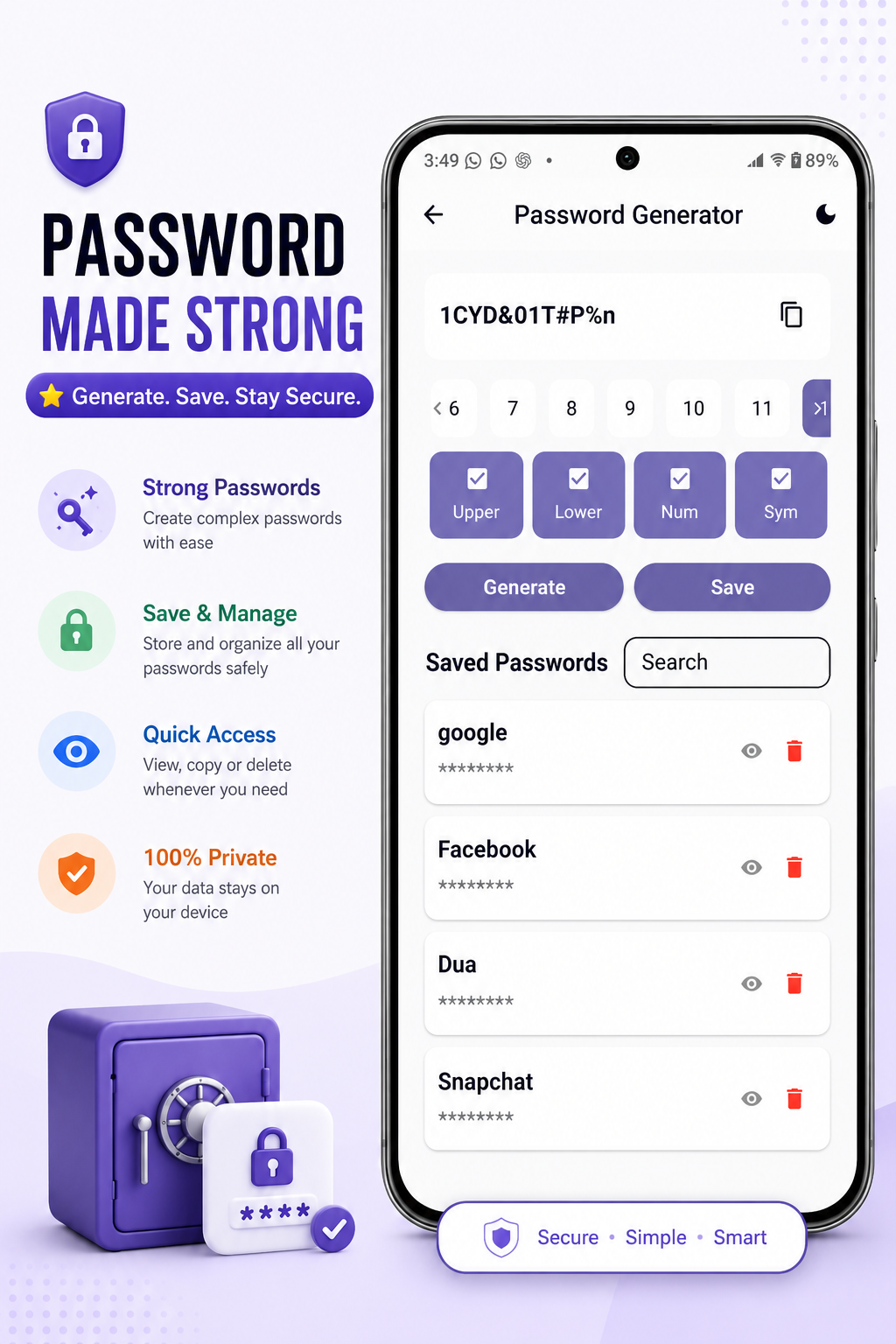
Password Generator & Saved Passwords
Create strong passwords and keep saved entries organized on your device.
Generate and save passwords, scan QR codes, share files over Wi-Fi, monitor internet speed, use flashlight tools, manage tasks, and more — all in one clean app.
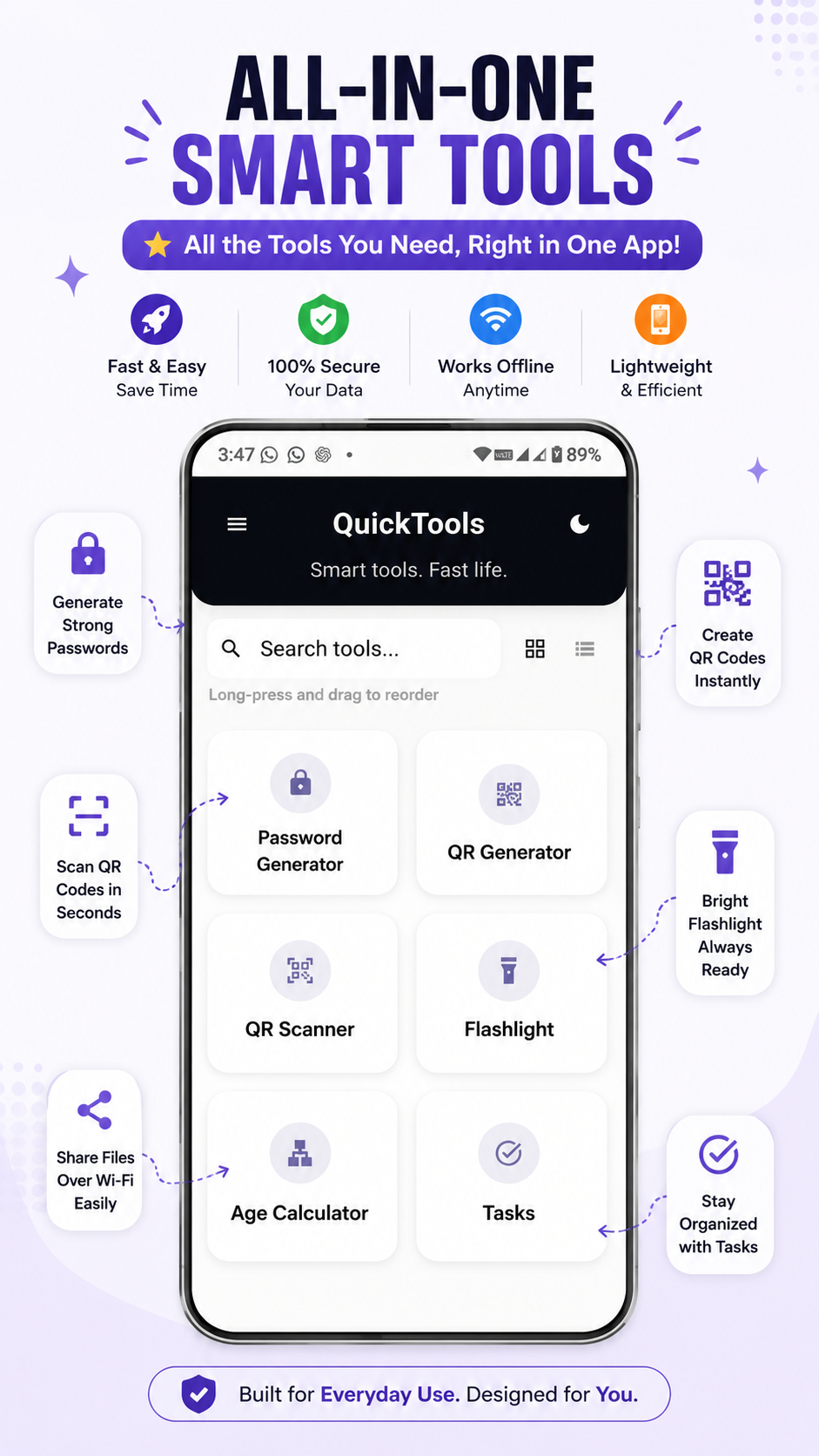
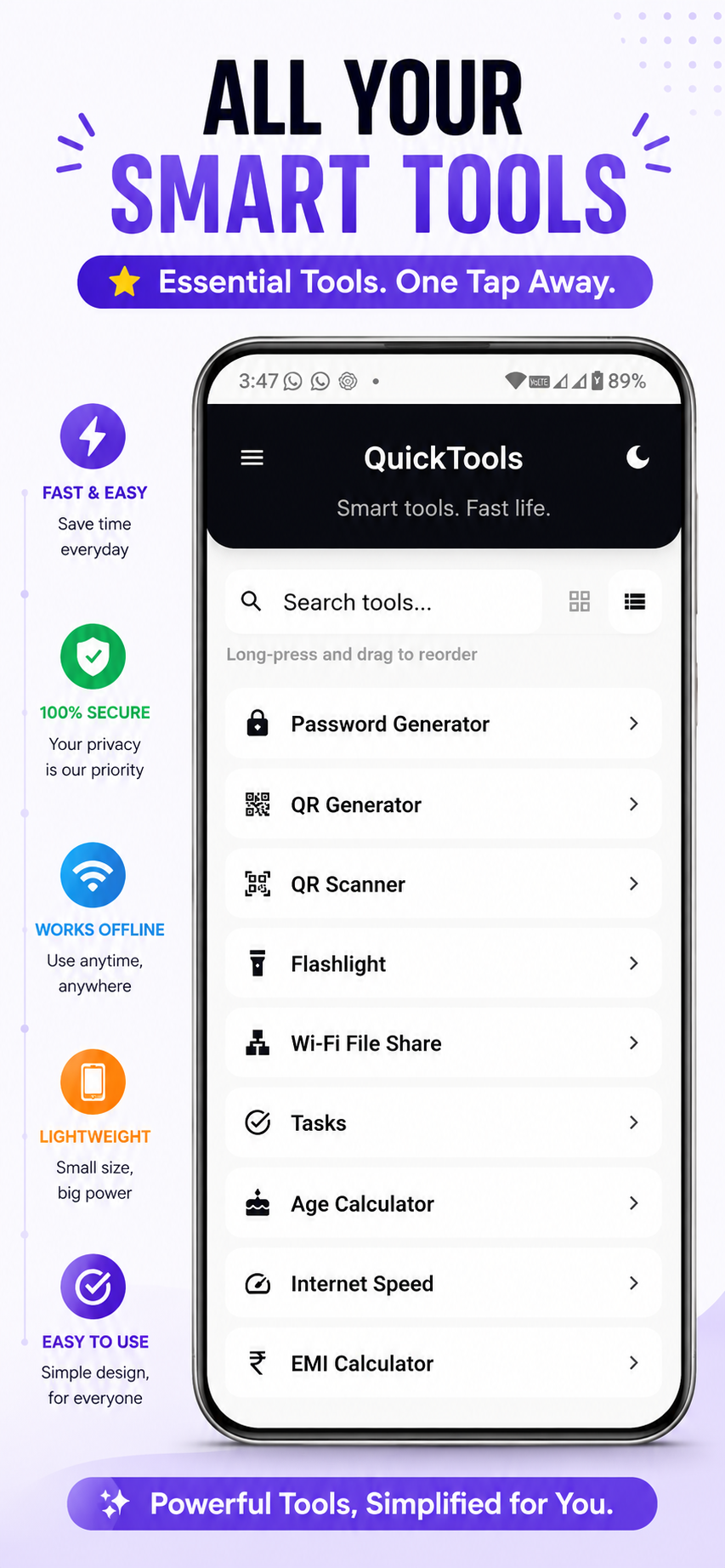
QuickTools brings common Android utility workflows into one focused app.
Create strong passwords and keep saved entries organized on your device.
Choose optional sign-in and encrypted backup when you want cloud restore support.
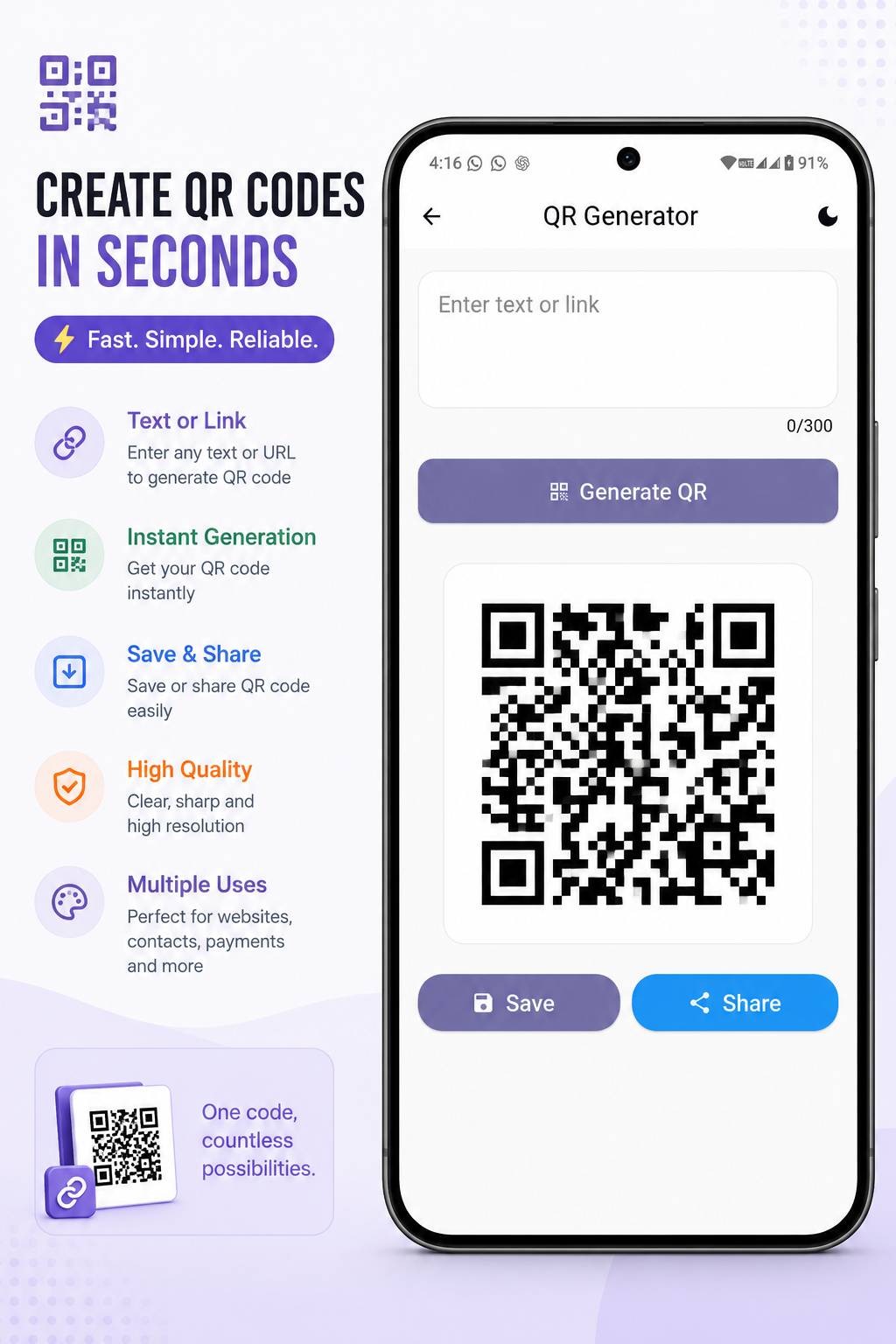
Scan QR codes or create clean QR codes for text, links, and everyday sharing.
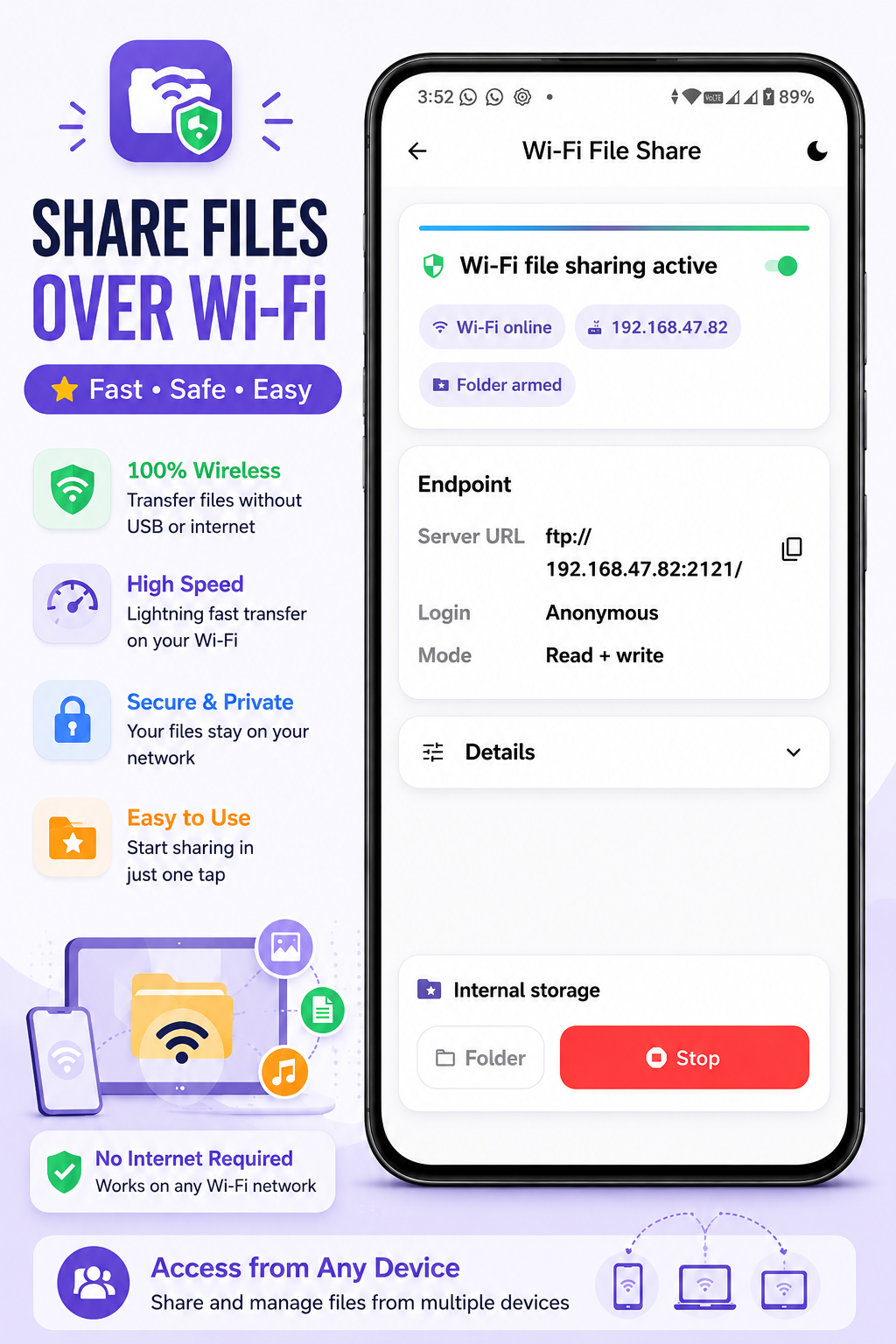
Move files between devices over your local network without extra setup.
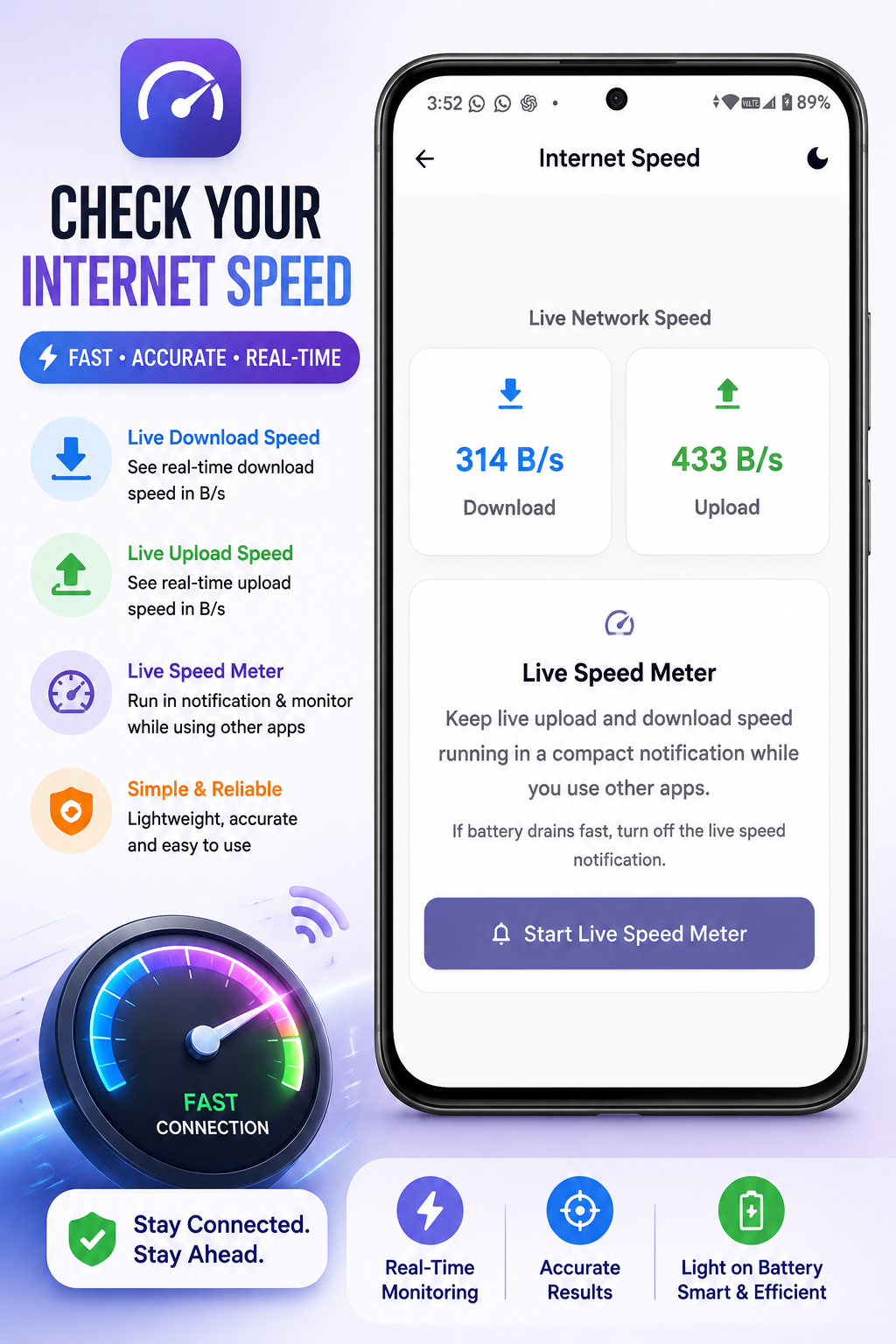
Keep an eye on live upload and download speed when you need network visibility.
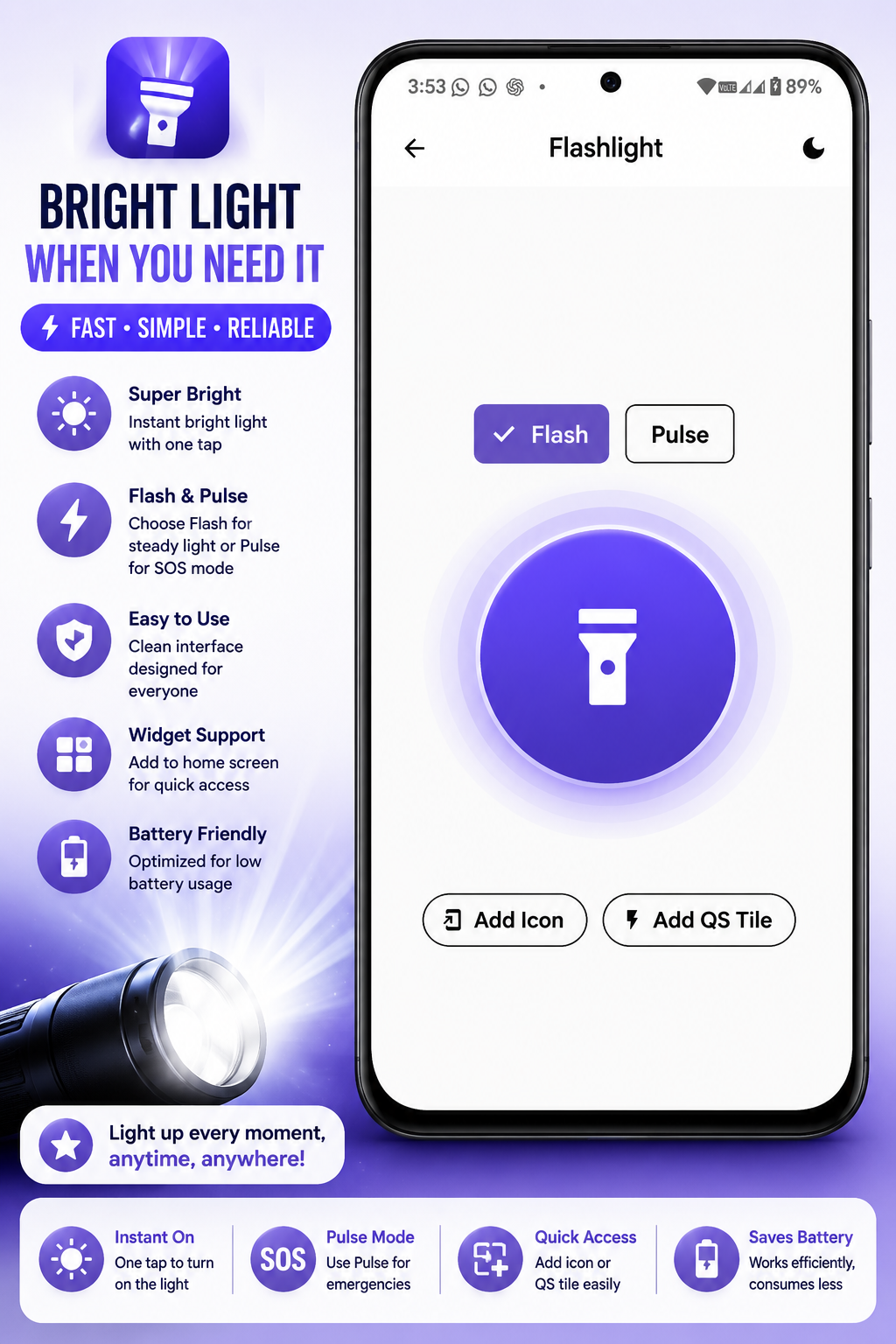
Reach flashlight and supported tool actions from the places Android users expect.
Lock your device quickly with a dedicated tool and optional shortcuts.
Capture quick tasks and notes locally for simple everyday reminders.
Keep your most-used tools close and tailor the app around your workflow.
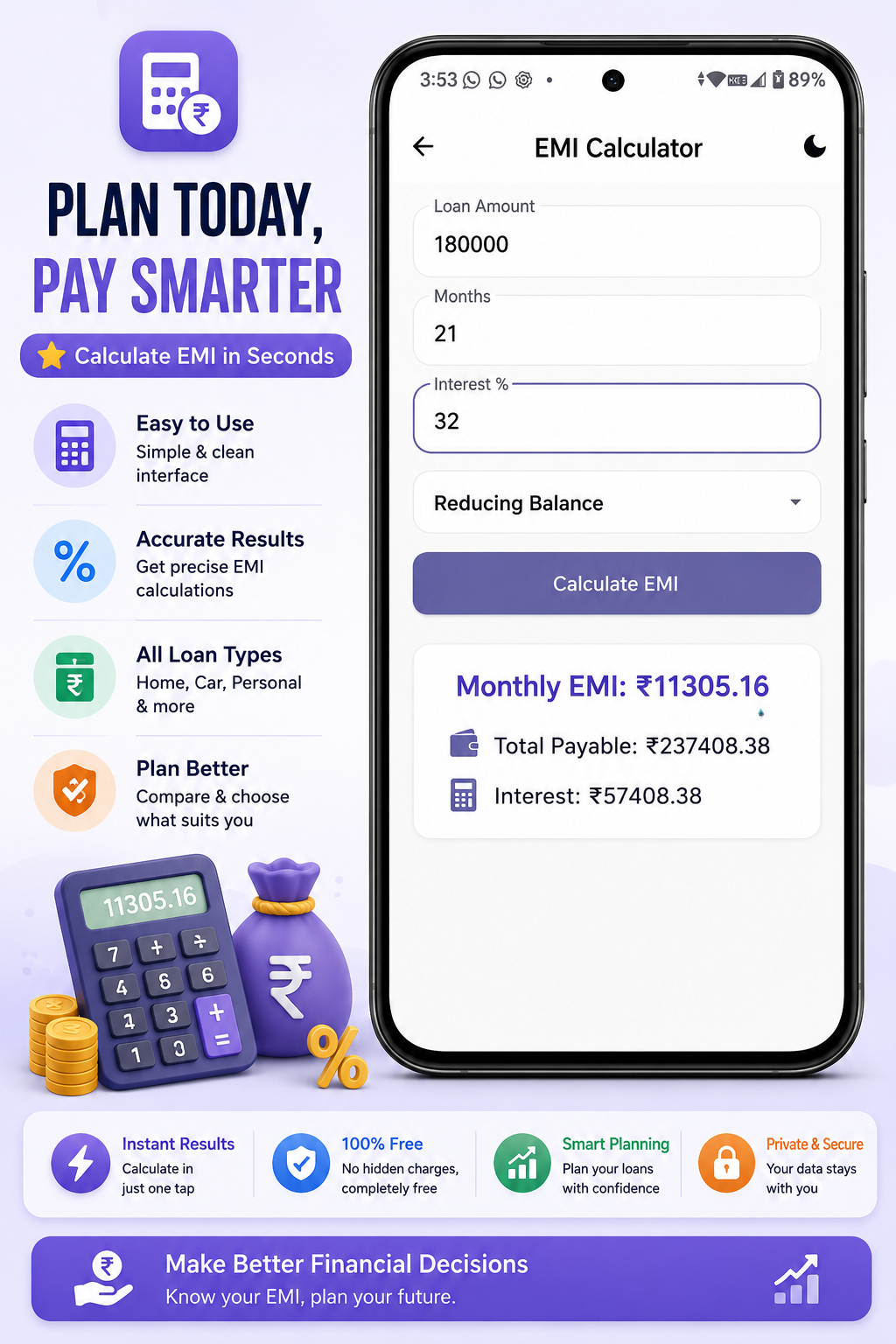
A quick look at the app experience across tools and settings.
QuickTools keeps sign-in and Cloud Sync optional, so you stay in control of how you use the app.
Reach Codex12dev through email or social channels.